Why renaming PNG does not work
ICO stores an image directory and one or more image payloads. A PNG renamed to .ico still has PNG bytes, so a build tool or Windows shell may reject it. A multi-size ICO lets different contexts select a suitable resolution instead of scaling the same small image everywhere.
Import and prepare the source
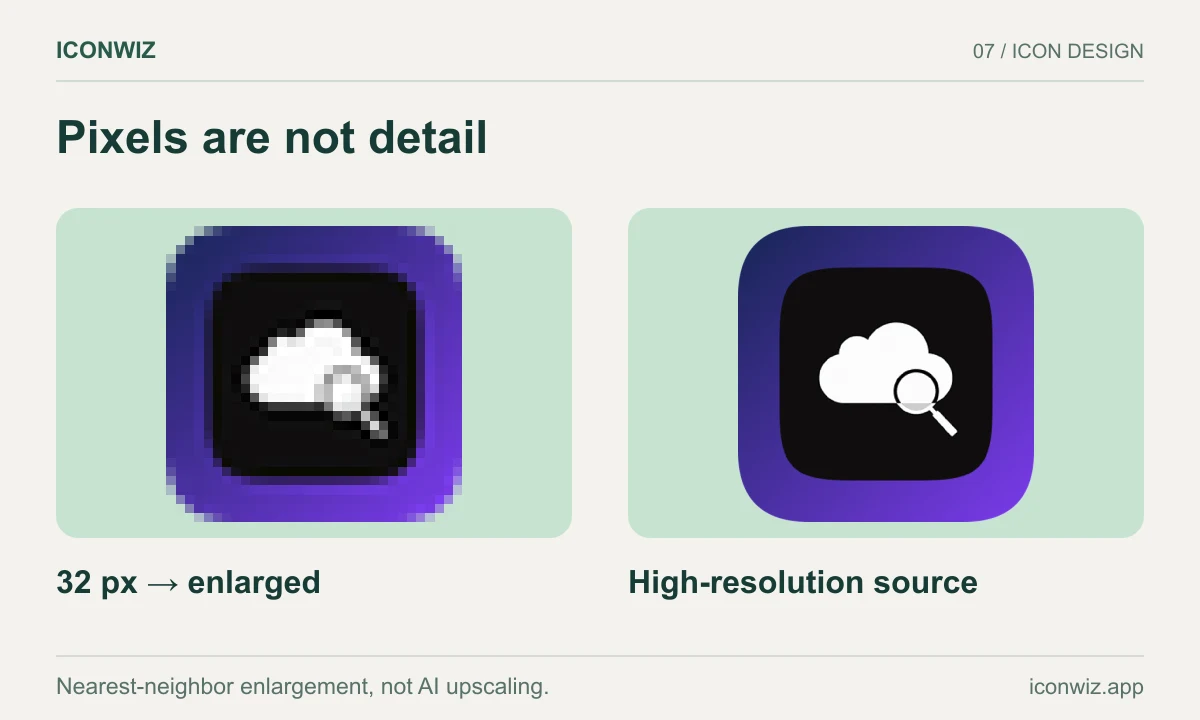
Open PNG to ICO and enter the editor. Import a source at least as large as the biggest icon you need; 256 pixels is a useful minimum for a Windows icon source. A 1024-pixel original leaves more room for composition edits. Keep transparency for a floating mark, or add an opaque background for a tile.
Inspect small sizes after changing scale, brightness or shadow. A fine border may disappear while a heavy shadow may merge with the subject. The icon editor tutorial walks through these adjustments.
Export the real container
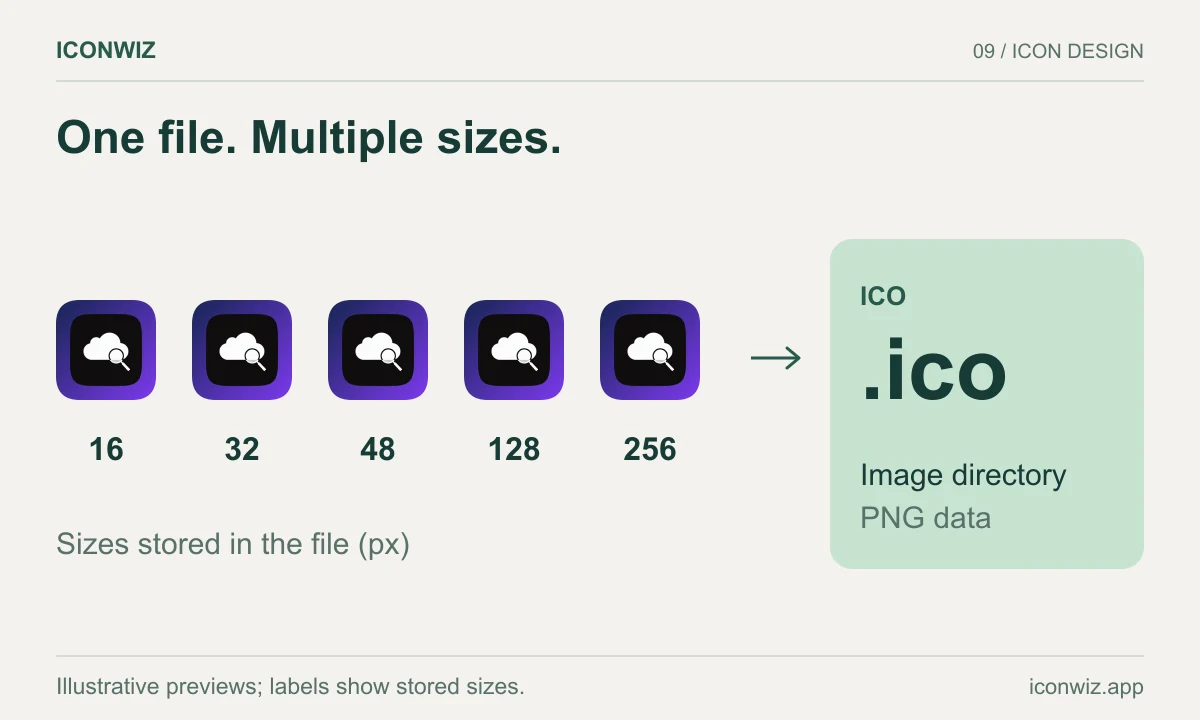
Select Windows. For your first export, keep the default sizes so the container has the intended set of images. Download the ZIP and extract icon.ico. The archive can also contain PNG resources; use the ICO file where your packager requires ICO, not a PNG with a similar name.
The converter page lists the current preset sizes directly from the application configuration. That is the reference for this version of the export rather than a manually maintained size checklist.
Connect it to your build
For an Electron app using electron-builder, a configuration might point to a copied asset:
{
  "build": {
    "win": {
      "icon": "build/icon.ico"
    }
  }
}
This is an example path: place the extracted file at build/icon.ico or update the setting to your actual location. Rebuild the installer; changing a development window icon does not rebuild shortcuts or installer resources. For an Electron project, the Electron preset can prepare its other desktop formats as well.
Consult the electron-builder Windows configuration and Microsoft icon design guidance.
Check the result
Test list, large-icon and high-DPI views of the installed application. If an old image remains, inspect the built file before blaming the converter; Windows may cache shortcut icons. Rebuild with the intended resource and test a fresh installation location when appropriate.
For websites, use the favicon workflow. For macOS, generate an actual ICNS file instead of reusing the ICO.