PNG to ICNS Converter for macOS
Create macOS ICNS and AppIcon assets from a PNG. Adjust spacing for the Dock and extract AppIcon.icns from the macOS export archive.
Get StartedFree editing and export, no watermark. AI generation and AI editing use credits. Use the full editor in a desktop browser.
One source, styled and exported

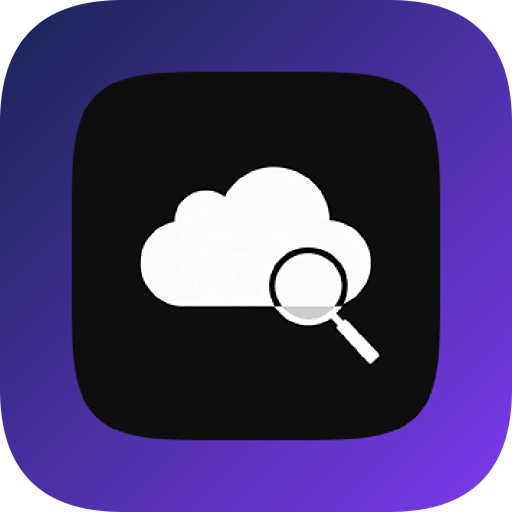

Example rendered from repository demo artwork with the icon renderer. Platform padding, masks and delivered resources depend on the selected preset.
How to use it
- Import a high-resolution square PNG.
- Choose macOS and adjust the composition.
- Extract Resources/AppIcon.icns or use the included Xcode asset catalog.
Prepare a macOS icon family
The macOS preset contains standard and Retina icon sizes, an Xcode AppIcon asset catalog and Resources/AppIcon.icns. ICNS is a container, not a renamed PNG. Use the framework preset instead when your build tool expects a different directory layout.
Check the Dock silhouette
A full-bleed mark can appear larger than neighboring macOS icons. Keep room around the subject and inspect the generated output; the macOS export includes optical-inset handling for overfilled assets. Test the installed app because the Dock may cache older icons.
Files and sizes in the current preset
This list reads the application preset. Exporters add project companion files; size selection affects the final archive. Extract container files from the downloaded ZIP.
ICNS: Resources/AppIcon.icns
View 10 image outputs
| File | Size |
|---|---|
| Assets.xcassets/AppIcon.appiconset/icon_16x16.png | 16 × 16 |
| Assets.xcassets/AppIcon.appiconset/icon_16x16@2x.png | 32 × 32 |
| Assets.xcassets/AppIcon.appiconset/icon_32x32.png | 32 × 32 |
| Assets.xcassets/AppIcon.appiconset/icon_32x32@2x.png | 64 × 64 |
| Assets.xcassets/AppIcon.appiconset/icon_128x128.png | 128 × 128 |
| Assets.xcassets/AppIcon.appiconset/icon_128x128@2x.png | 256 × 256 |
| Assets.xcassets/AppIcon.appiconset/icon_256x256.png | 256 × 256 |
| Assets.xcassets/AppIcon.appiconset/icon_256x256@2x.png | 512 × 512 |
| Assets.xcassets/AppIcon.appiconset/icon_512x512.png | 512 × 512 |
| Assets.xcassets/AppIcon.appiconset/icon_512x512@2x.png | 1024 × 1024 |
Questions before you start
Do I need to pay or sign in?
Ordinary image editing and export are free. AI requests require sign-in and credits; cloud sync and other account services depend on your plan.
Will this change my project automatically?
No. Preview and download the resources in the editor, then integrate them into your project. Keep a backup of existing icons and test the build.