Iconwiz now uses GPT Image 2.6 Flare and Sunburst for generation and image editing. This release also adds two ways to build an Iconset: animate individual icons, or generate native SVG icons with Recraft. Both are available in the web editor and Iconwiz Desktop 0.21.0.
Open the Iconset workspace for a collection of interface icons, or the app icon editor for an application icon and its platform exports.
GPT Image 2.6 replaces 2.5
Flare and Sunburst each offer Low, Medium, High, XHigh, Max and Auto. Existing artwork stays in your library. New requests use the current model list; saved GPT Image 2.5 choices migrate to the corresponding 2.6 quality setting.
These are Iconwiz's base credits per image for generation and editing on November 8, 2026:
| Quality | Flare | Sunburst |
|---|---|---|
| Low | 1.25 | 1.25 |
| Medium | 2.25 | 2.25 |
| High | 3.20 | 3.20 |
| XHigh | 6.25 | 6.25 |
| Max | 12.50 | 12.50 |
| Auto | 6.25 | 6.25 |
For example, four Medium app-icon images have a base cost of 9 credits. Auto has the displayed fixed credit price; it does not mean free generation. Reference-image charges or account-specific pricing can affect the total. Check the total shown before submitting. AI generation and editing require sign-in and credits; ordinary local editing and export do not consume AI credits.
For a static Iconset, a generation sheet can contain up to 16 icons. Larger collections are submitted in sequential batches. Animated and native SVG icons are generated individually, so a mixed collection can cost more than one static sheet. The workspace shows the remaining generation cost and projected balance before you start.
Animate only the icons that need movement
You can keep navigation and utility icons static while adding motion to a loading indicator, notification or success state. Choose the icons to animate, describe the movement, and configure the frame count and duration. The supported controls are 2–16 frames and 20–2,000 ms per frame; the defaults are 9 frames and 200 ms.
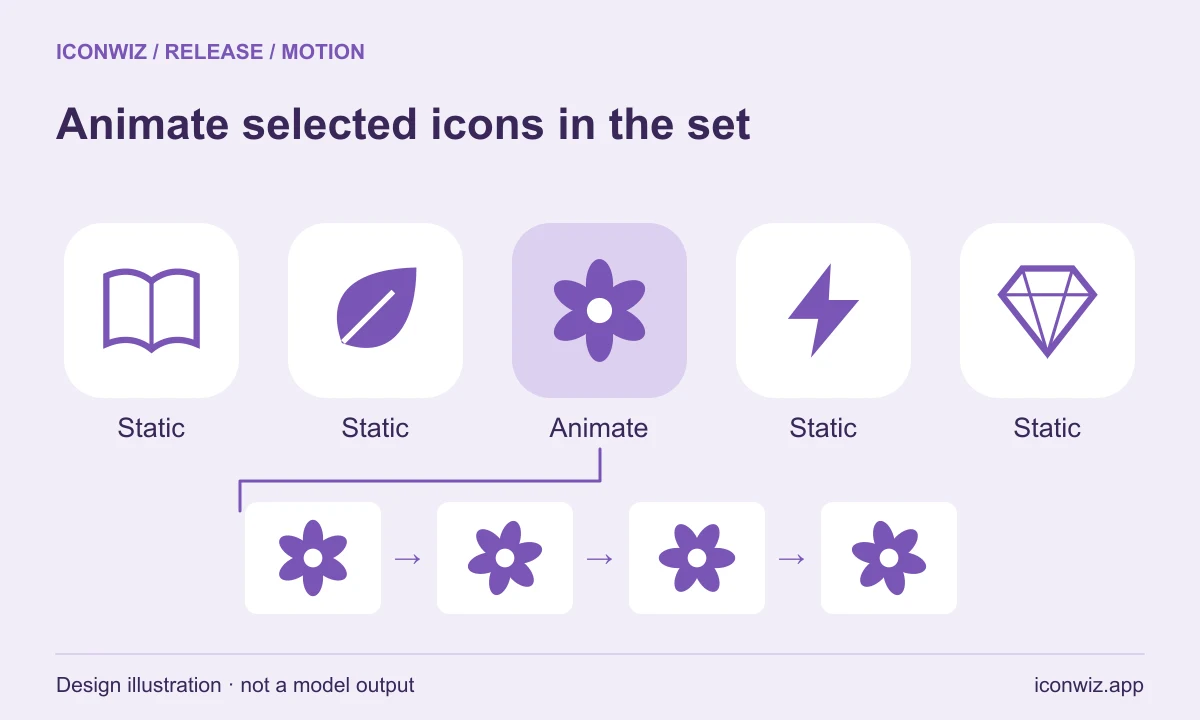
Start with a restrained instruction such as “a small bell rocking gently from side to side, centered, with the same silhouette and colors in every frame.” Review the generated sequence for shifting shapes or unwanted movement before exporting it.
The default export keeps static icons as PNG and animated icons as APNG in the same ZIP. Animated WebP is also available. APNG is only offered for animated images; selecting it as the collection format requires an entirely animated selection.
Generate SVG directly with Recraft
Choose Recraft 4.1 SVG or Recraft 4.1 Pro SVG for native vector output. These models generate one SVG icon per request. You can keep that vector source when exporting SVG, or rasterize it to PNG, WebP or AVIF at your chosen size.
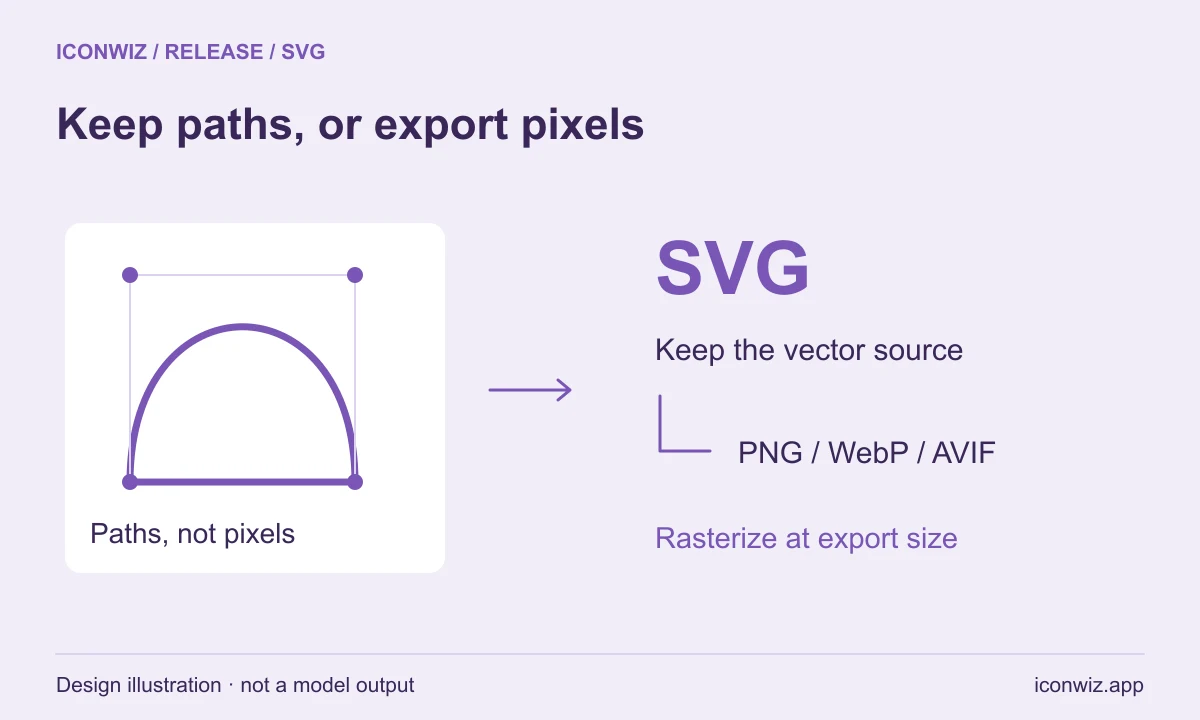
This is separate from converting an existing bitmap. Recraft Vectorize converts raster artwork into SVG, while local tracing remains available for suitable Iconset artwork. Native Recraft SVG generation currently uses a text prompt and does not accept reference images. Use raster generation or editing when an uploaded reference is part of the brief.
Choose an export format for each kind of artwork
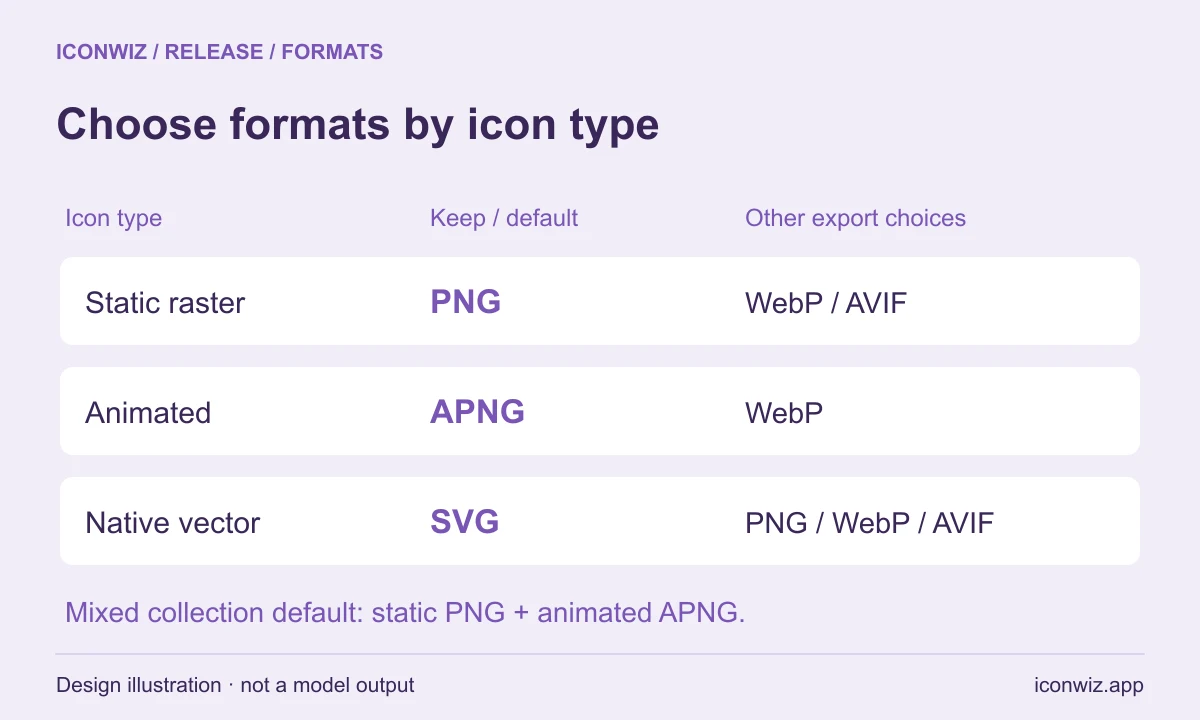
| Artwork | Export choices | Default behavior |
|---|---|---|
| Static raster icon | PNG, WebP, AVIF | PNG |
| Animated icon | APNG, animated WebP | APNG |
| Native SVG icon | SVG; rasterized PNG, WebP, AVIF | Choose SVG to retain paths |
Selecting AVIF changes the static files. Animations keep their separately selected APNG or WebP format. Animation is not included in icon fonts or sprite exports; select only static icons for those formats. Monochrome static sets can also export TTF/WOFF and CSS.
The base raster size can be 16–1024 px, with optional 1x, 2x and 3x variants. The ZIP includes a manifest recording names, sizes, formats and paths, plus group membership where configured.
A refreshed model catalog, including editing tools
The current generation and editing catalog includes GPT Image 2.6, SeedDream 5 Pro and Lite, NanoBanana 2.1 and Pro, Grok Imagine 2, Qwen Image 3 and 3 Pro, and FLUX 3 Image. Recraft 4.1 SVG models are available for generation. Desktop fetches the service catalog so model choices and displayed prices follow the web service.
We checked the supported provider endpoints and ran generation, editing and utility requests through Replicate for this release. Recraft Vectorize remains the cloud raster-to-SVG option; Qwen Image Layered remains the semantic layer-separation option. We evaluated other candidates, but did not add endpoints that failed inference or returned layer data incompatible with the editor. A release check establishes that the integration worked at that time; it cannot guarantee future provider uptime.
See how to choose an image model for a task-based guide, or the layering tutorial to edit an existing image. Provider references: GPT Image 2.6 Flare, Sunburst, Recraft 4.1 SVG and Pro SVG.
Open Iconset, or download Iconwiz Desktop to use the same workflow on macOS.