The AI image generation landscape has changed dramatically over the past year. What was cutting-edge in early 2025 now feels almost quaint. Models that struggled with basic text rendering can now produce typography that rivals professional design work. Prompt adherence has gone from "close enough" to genuinely understanding creative intent.
For those of us building tools around icon generation, this matters enormously. Icons have always been one of the hardest use cases for AI image models — they need to work at multiple scales, convey meaning instantly, and meet platform-specific requirements. The latest generation of models is finally up to the task.
The Current State of AI Image Generation
If you've been following this space, you know it moves fast. The models making headlines today weren't even announced a year ago.
GPT-Image-1.5 from OpenAI has set a new standard for prompt adherence and text rendering. Building on the multimodal foundation of GPT-4o, it understands context in ways that earlier image models simply couldn't. Describe a "minimalist finance app icon with a subtle upward trend," and it grasps not just the visual elements but the conceptual relationship between them.
Nanobanana Pro (built on Google's Gemini architecture) has emerged as a powerhouse for photorealistic output and character consistency. It's particularly strong at maintaining coherent style across multiple generations — crucial when you're iterating toward a final design.
Flux 2 Max from Black Forest Labs continues to push the boundaries of speed and photorealism, blending diffusion and transformer architectures in ways that produce remarkably natural lighting and detail.
Reve Image appeared seemingly out of nowhere in early 2025 and quickly earned a reputation for best-in-class prompt following. When you need the AI to execute exactly what you describe, it delivers.
Qwen Image from Alibaba has become the go-to for precision work, especially anything involving text or requiring pixel-perfect control over specific elements.
And of course, Midjourney v7 remains the artist's choice for stylized, emotionally resonant imagery — though its text rendering still lags behind the competition.
Why Icons Are Different
General image generation and icon generation seem like they should be the same problem. They're not.
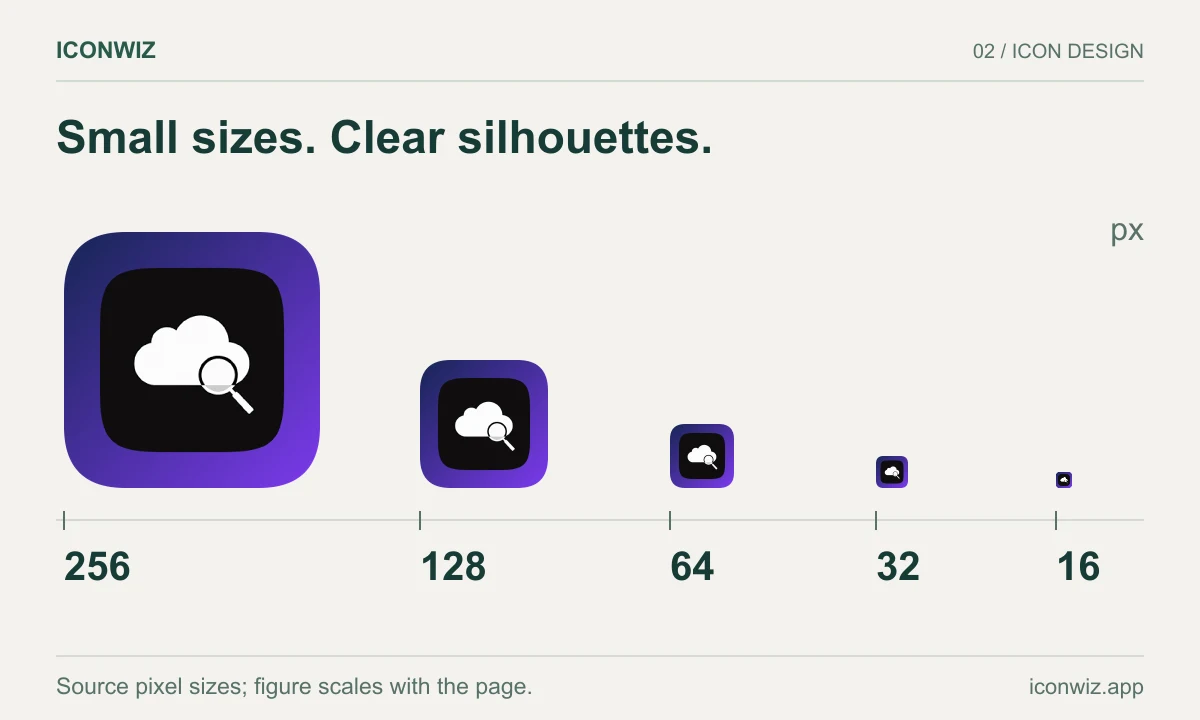
An icon lives in a constrained world. It might appear at 1024×1024 in your App Store listing, but it also needs to work at 60×60 on a home screen and 16×16 in a browser tab. Details that look stunning at large sizes become muddy artifacts when scaled down. Text that's readable at 512 pixels becomes illegible at 32.
Icons also carry semantic weight that other images don't. A productivity app icon needs to communicate "organized" and "efficient" in a fraction of a second. A game icon needs to convey genre and mood before anyone reads the title. This isn't about aesthetics alone — it's about instant communication.
The models that excel at icon generation aren't necessarily the same ones that produce the most beautiful landscapes or the most photorealistic portraits. They're the ones that understand constraints.
What We've Learned
We've been running various models through icon-specific workflows for months now, and some patterns have emerged.
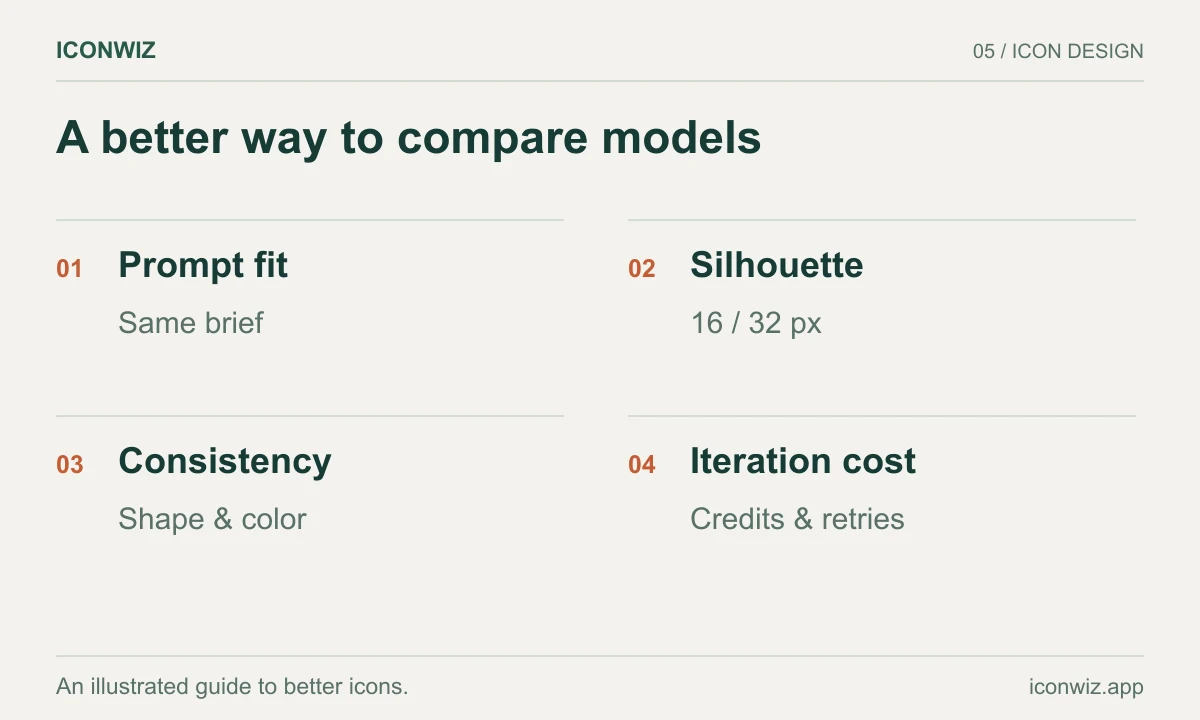
GPT-Image-1.5 consistently produces the cleanest results for professional and corporate icons. Its semantic understanding means you can describe conceptual relationships — "a shield that suggests protection without feeling aggressive" — and get results that match the intent, not just the keywords. Text elements come out clean and properly integrated rather than looking pasted on.
Nanobanana Pro shines when personality matters. Game icons, creative app icons, anything where you want the icon to feel alive rather than designed by committee. It has a way of adding subtle character to illustrations that makes them memorable. The 3D rendering capabilities are particularly impressive — highlights and shadows that feel like actual light sources rather than algorithmic approximations.
For rapid iteration, Flux models are hard to beat on speed. When you're in the early exploration phase and want to try fifteen different directions, waiting thirty seconds per generation adds up. Flux lets you move fast.
Reve Image has become our fallback when other models aren't quite capturing what we're after. Its literal interpretation of prompts means fewer surprises — what you describe is what you get.
The Workflow That Works
Raw AI output is rarely production-ready. The magic happens in what you do with it.
The most effective workflow we've found:
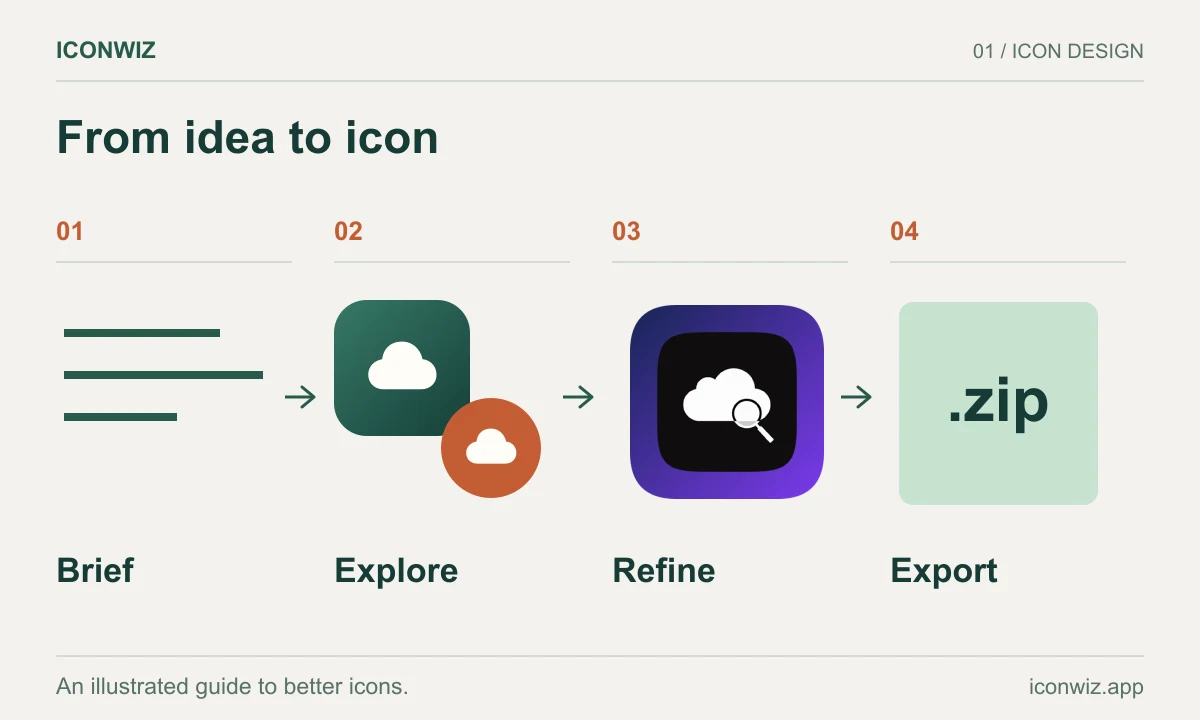
Start broad. Generate multiple concepts across different models. GPT-Image-1.5 for clean precision, Nanobanana Pro for character, Flux for speed. Don't commit too early.
Segment and recombine. AI-generated images are flat — one layer, take it or leave it. But segmentation tools can decompose them into elements. Love the logo but hate the background? Extract the logo, apply your own background, done. One generation becomes multiple usable outputs.
Refine with purpose. Scale adjustments, position tweaks, shadow effects, background gradients. Small changes make the difference between "AI-generated" and "professionally designed."
Test at target sizes. Before falling in love with any icon, shrink it to 32×32. If it's still recognizable and attractive at that size, you have something. If it becomes a blur, iterate on the concept — no amount of post-processing fixes fundamental clarity issues.
Export everything at once. iOS needs a dozen sizes. Android wants adaptive icon layers. Web requires favicons, PWA manifests, touch icons. macOS and Windows have their own formats. Manual resizing is tedious and error-prone — that's exactly why we built our icon editor to handle all of this automatically.
The Honest Assessment
No model is perfect. GPT-Image-1.5 occasionally over-interprets prompts, adding elements you didn't ask for. Nanobanana Pro can lean too heavily into stylization when you want something simpler. Flux prioritizes speed in ways that sometimes sacrifice fine detail. Midjourney produces gorgeous imagery that's often too complex to work as an icon.
The real answer isn't picking one model — it's having access to several and knowing when to use each.
For clean, professional work: GPT-Image-1.5. For character and personality: Nanobanana Pro. For rapid exploration: Flux. For precise prompt execution: Reve Image. For artistic stylization: Midjourney.
What Comes Next
The pace of improvement shows no sign of slowing. Text rendering, which was nearly impossible a year ago, is now table stakes. Character consistency across generations, once a major challenge, is becoming reliable. The next frontiers seem to be dynamic elements (icons that animate), true style transfer (match this exact aesthetic), and tighter integration with design workflows.
For now, the current generation of models has crossed a threshold. AI-generated icons aren't just "good enough" anymore — they're genuinely competitive with professional design work, at a fraction of the time and cost.
The question isn't whether AI can generate quality icons. It's whether you have access to the right models and the right workflow to get from concept to production-ready assets efficiently.
That's the problem we're focused on solving.
Try the icon editor to see these models in action. Generate, segment, refine, and export — the complete workflow from idea to every platform.