November 2026 update: The current catalog offers SeedDream 5 Pro / Lite and NanoBanana 2.1 / Pro. The launch-era capabilities and prices below are historical. Use the current selector for availability and the total price, or read the updated model guide.
In February 2026, Iconwiz introduced SeedDream 5.0 and NanoBanana 2 for image generation and editing. This article records that launch and its original workflow.
SeedDream 5.0: ByteDance's 3K Generation Powerhouse
SeedDream 5.0 is ByteDance's latest flagship model, and it's a substantial upgrade from the already impressive SeedDream 4 series.
What makes it special:
-
Native 3K resolution generation — Generate images at up to 3072×3072 pixels directly, without upscaling artifacts. For icons that need to look crisp at every size, this native high-resolution output is invaluable.
-
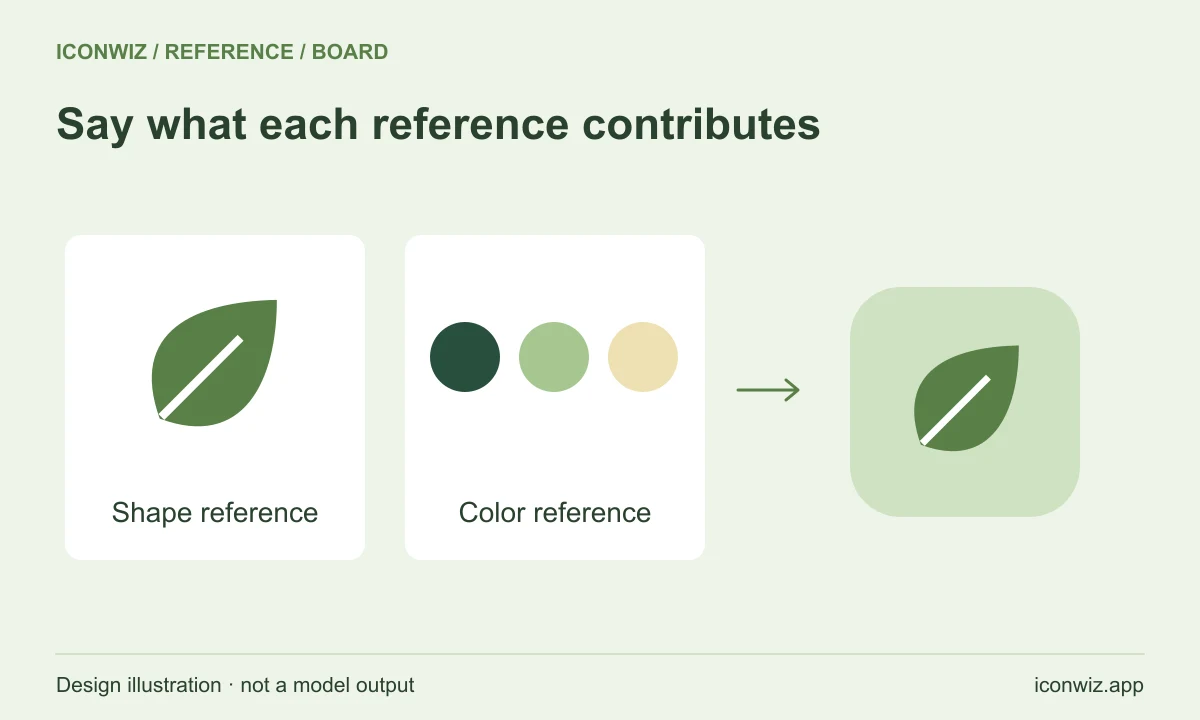
Enhanced reference image support — Upload up to 14 reference images to guide the generation. Want your icon to match your brand's existing visual language? Feed it examples and watch it understand your aesthetic.
-
Improved prompt adherence — SeedDream 5.0 follows complex prompts with remarkable accuracy. Describe a "minimalist gradient icon with a stylized mountain peak and subtle aurora effects" and it delivers exactly that.
-
Better text rendering — While we generally recommend avoiding text in icons (it doesn't scale well), when you need it, SeedDream 5.0 handles typography better than any previous version.
For icon generation specifically, the native 3K output means you're starting with more detail than you'll ever need. Downscaling from 3K to your target sizes preserves sharpness in ways that upscaling from 1K never could.
NanoBanana 2: Google's Conversational Image Editor
NanoBanana 2 takes a different approach. Built on Google's latest Gemini architecture, it excels at iterative refinement and multi-image fusion.
Key capabilities:
-
Conversational editing — Describe changes in natural language. "Make the background warmer," "add a subtle glow around the main element," "shift the composition slightly left." NanoBanana 2 understands context and applies changes intelligently.
-
Multi-image fusion — Combine elements from up to 12 reference images into a cohesive output. Extract the color palette from one image, the composition from another, and the style from a third.
-
Character consistency — When generating multiple variations, NanoBanana 2 maintains consistent style and character across outputs. Essential when you're exploring different directions but want to stay within a coherent visual family.
-
Fast iteration — At 1.0x cost multiplier, NanoBanana 2 is priced for exploration. Generate dozens of variations without burning through your credits.
The conversational editing capability is particularly powerful for icon refinement. Instead of regenerating from scratch when something's almost right, you can nudge the output toward your vision with natural language instructions.
Why These Models Matter for Icon Design
Icons occupy a unique space in design. They need to:
- Communicate instantly — Users glance at icons for milliseconds
- Scale gracefully — From 16×16 favicons to 1024×1024 App Store assets
- Stand out while fitting in — Distinctive but not jarring
- Work across contexts — Light mode, dark mode, various backgrounds
SeedDream 5.0's high-resolution output addresses the scaling challenge directly. Start with more pixels than you need, and every downscaled version retains clarity.
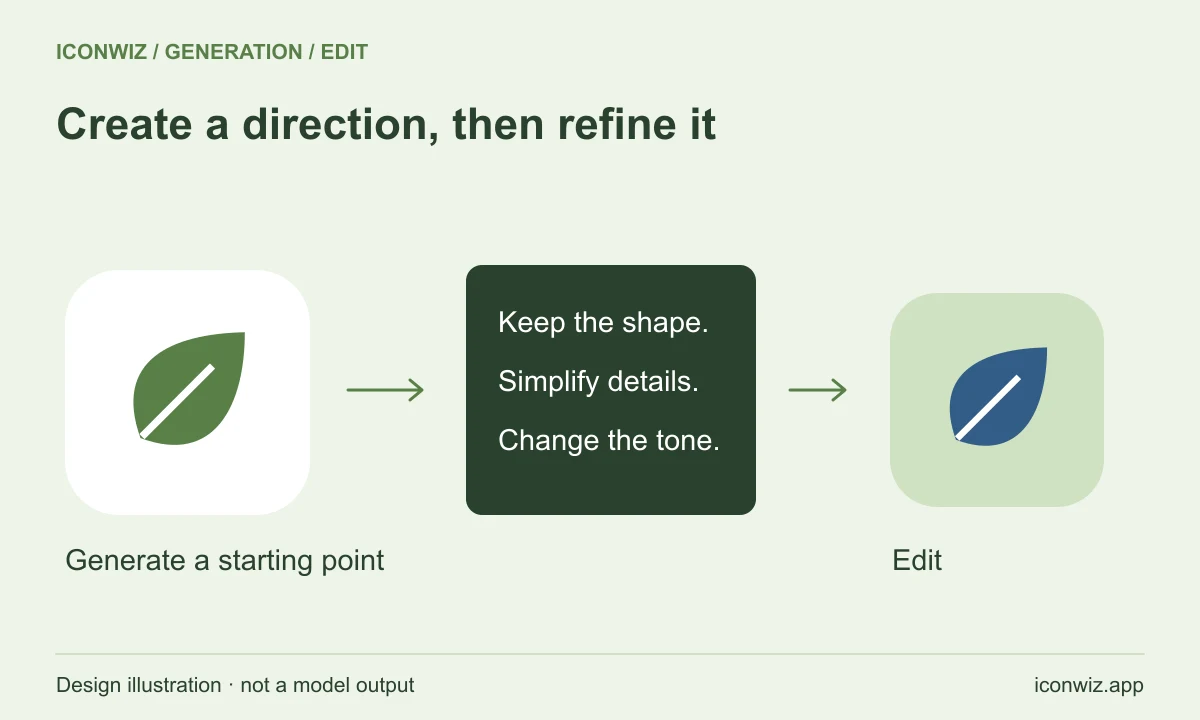
NanoBanana 2's iterative refinement addresses the creative challenge. Icon design is rarely a one-shot process — it's about exploring variations and converging on the right solution. Conversational editing makes that exploration faster and more intuitive.
How to Use Them in Iconwiz
At launch, the workflow in the icon editor was:
- For generation: Select SeedDream 5.0 or NanoBanana 2 from the model dropdown
- For editing: Use NanoBanana 2's conversational mode to refine existing images
- For reference-guided generation: Upload your brand assets and let the models learn your style
We recommend starting with SeedDream 5.0 for initial concept generation — its 3K output gives you maximum flexibility. Then use NanoBanana 2 for refinement passes, leveraging its conversational editing to dial in the details.
Launch pricing (historical)
The original announcement listed these prices; they do not describe today's catalog:
- SeedDream 5.0: 1.0x cost multiplier (1 credit per image)
- NanoBanana 2: 1.0x cost multiplier (1 credit per image)
No premium pricing for flagship models. We believe the best tools should be accessible.
Current versions
The catalog has moved on since this announcement. For new work, select SeedDream 5 Pro / Lite or NanoBanana 2.1 / Pro from the current editor. Check reference support and the displayed total for the option you choose.
The November release guide also covers GPT Image 2.6, animated Iconsets and native SVG generation.