I've been building apps for years, and if there's one thing that consistently slows down the launch process, it's the app icon. You know what I mean — that small square that represents your entire product. It needs to look professional, work across dozens of different sizes, and somehow capture the essence of what you've built.
For a long time, my options were limited: hire a designer (expensive and time-consuming), struggle with Photoshop (frustrating), or settle for a generic icon (not ideal). That's exactly why we built Iconwiz — to solve this problem once and for all.
The Problem with Traditional Icon Design
Let me be honest about what makes icon design so painful:
First, there's the creative challenge. Coming up with a concept that's simple enough to work at 16×16 pixels but distinctive enough to stand out in an app store isn't easy. Most of us aren't trained designers.
Then there's the technical nightmare. iOS wants specific sizes with that signature rounded square shape. Android needs adaptive icons with separate foreground and background layers. The web requires favicons, PWA manifest icons, and more. macOS and Windows have their own formats entirely. Managing all of this manually is tedious and error-prone.
How AI Changes Everything
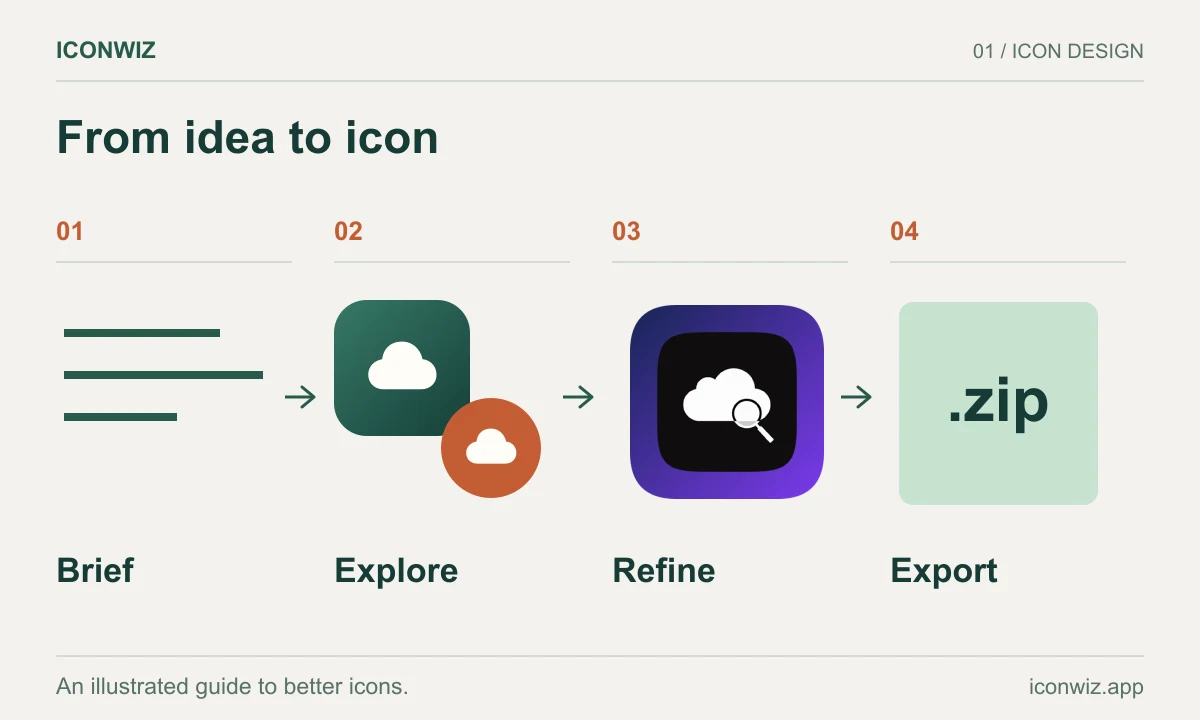
When we integrated AI image generation into Iconwiz, the goal wasn't just to make pretty pictures. It was to solve the entire workflow — from initial concept to production-ready assets.
Here's what that looks like in practice.
Describe What You Want
Instead of sketching or searching stock libraries, you simply describe your icon in plain language. Something like:
A friendly owl wearing headphones, representing a podcast app for night listeners
The AI understands context and intent. It knows you're making an app icon, not a photograph or illustration. This matters because app icons have specific requirements — they need to be recognizable at small sizes, work on various backgrounds, and convey meaning quickly.
Choose a Visual Style
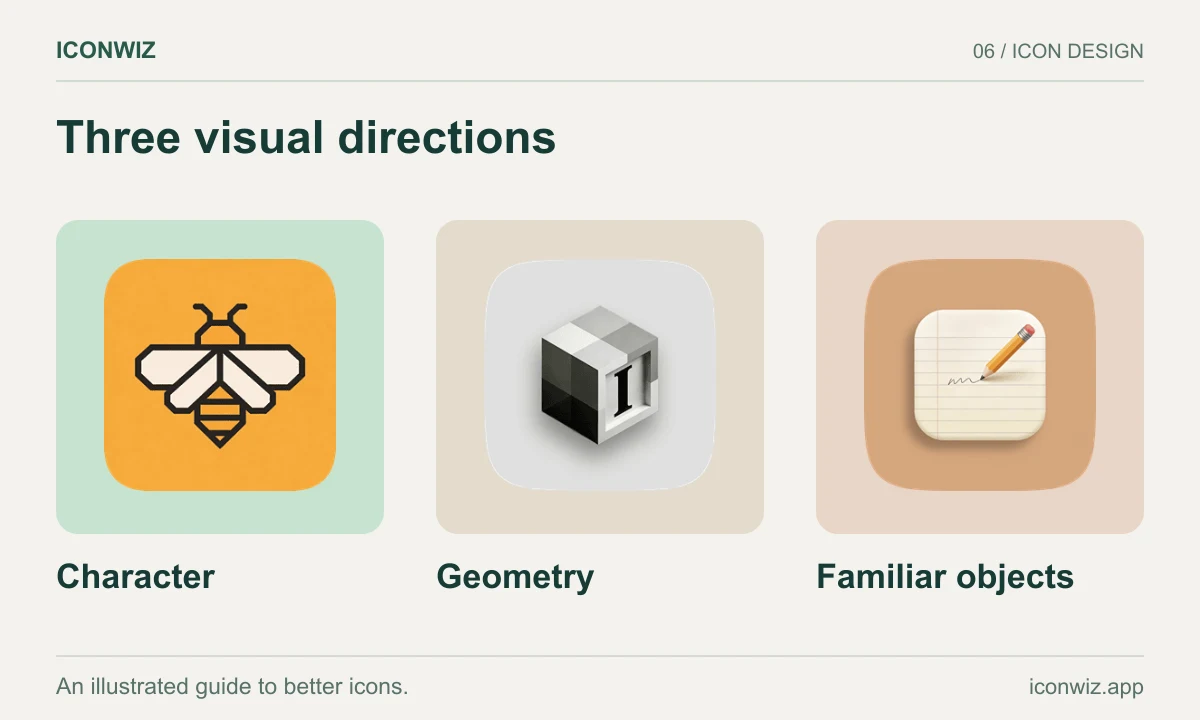
We've built 25+ style presets into the system, each optimized for icon generation:
For modern apps: Flat, Gradient, Glass, Material Design
For games: 3D Render, Isometric, Pixel Art, Cartoon
For professional tools: Minimalist, Tech, Business
Each style isn't just a filter — it's a carefully tuned prompt that guides the AI to produce consistent, icon-appropriate results. The difference between a generic AI image and a usable app icon often comes down to these details.
Pick Your Category
This is something most AI tools miss entirely. A fintech app icon has different visual language than a casual game icon. A productivity tool looks different from a social media app.
We've categorized icons by their intended use — over 40 sub-categories across app icons, game icons, organization logos, and website favicons. When you tell the system you're building a "Health & Fitness" app, it adjusts its understanding accordingly.
From AI Generation to Real Assets
Here's where Iconwiz really differs from using a standalone AI image generator.
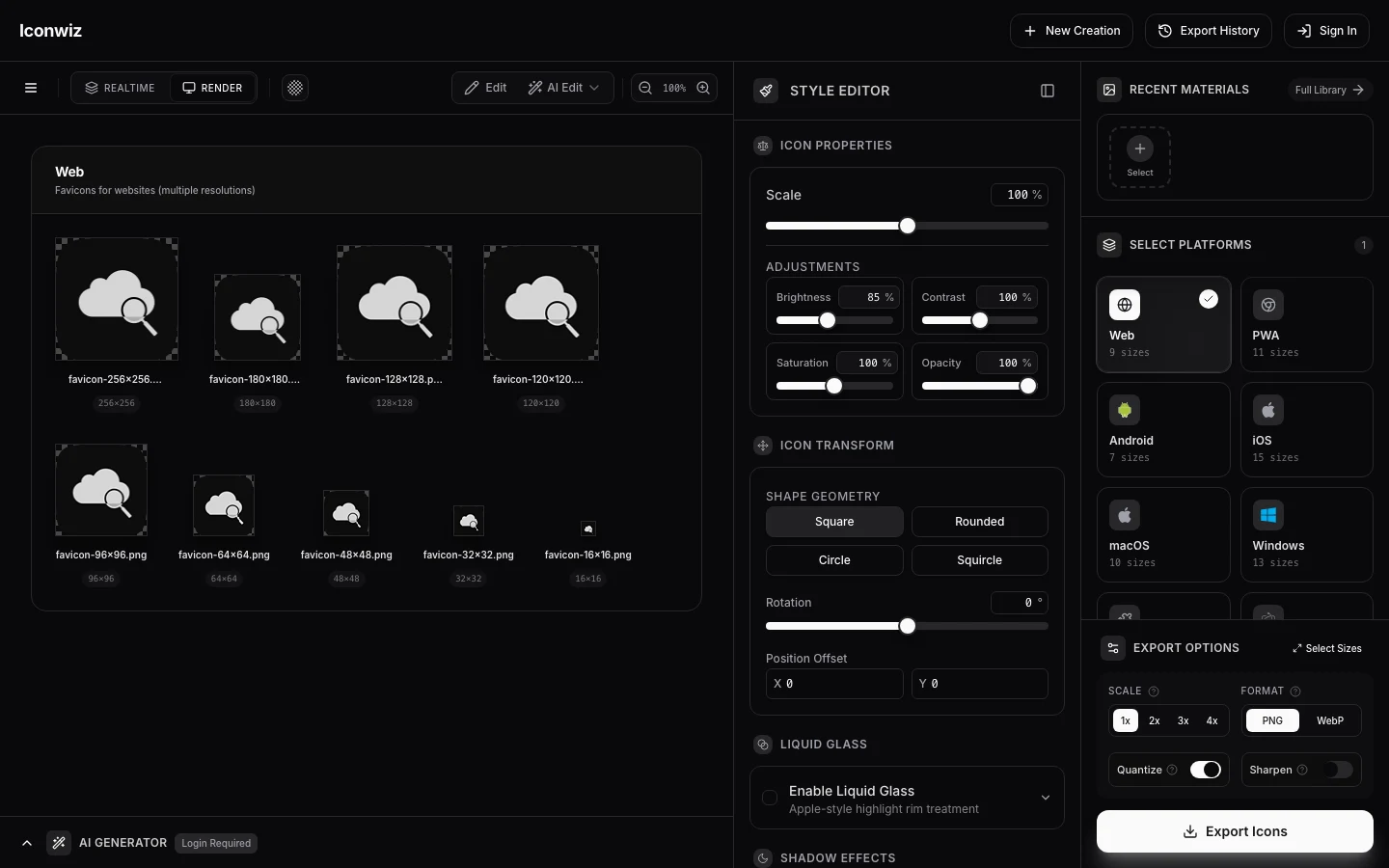
Once you have an AI-generated image you like, you're not done — you're just getting started with the easy part. The icon editor lets you:
Adjust the composition: Scale the icon, add padding, position it perfectly on the canvas
Apply backgrounds: Solid colors, linear gradients, radial gradients — whatever fits your brand
Choose the shape: Square for Android, rounded corners for flexibility, or Apple's squircle for iOS
Add effects: Subtle shadows can add depth and make your icon pop
And then — the part that used to take hours — you export everything at once. One click generates:
- All iOS App Store sizes (complete icon set)
- Android adaptive icons with proper layers
- Web favicons from 16×16 to 512×512
- PWA manifest icons
- macOS ICNS format
- Windows ICO format
- Flutter, React Native, Electron, and Tauri bundles
No more manually resizing in Photoshop. No more forgetting one obscure size that Apple or Google requires. It's all handled automatically.
What About the AI Models?
We didn't just pick one AI model and call it a day. Different models have different strengths, and what works for one style might not work for another.
Currently, Iconwiz supports models from OpenAI, Google, ByteDance, and Black Forest Labs — 12 models in total. Some are faster, some produce higher quality, some handle reference images better. You can experiment to find what works for your specific needs, or let the system choose based on your selected style.
For the technically curious, check our pricing page to see how credits work across different models. The short version: higher quality models cost more credits, but you can absolutely generate great icons with the more economical options.
Practical Tips
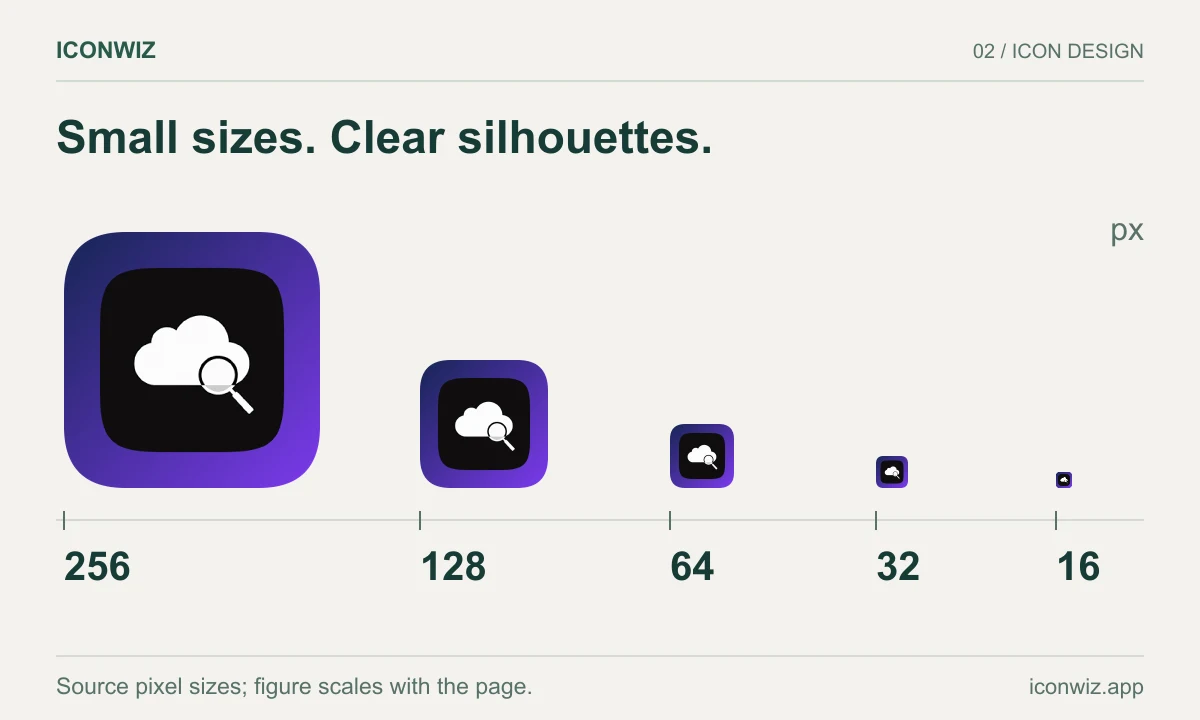
After watching thousands of icons get generated through our system, here are patterns I've noticed:
Keep descriptions simple: "A blue bird" works better than "A majestic azure avian creature soaring through clouds at sunset." The AI will add detail; your job is to provide direction.
Iterate quickly: Generate a few variations, see what the AI interprets differently, then refine your description based on what's working. Most good icons come from the second or third attempt.
Test at small sizes: Before you fall in love with an icon, shrink it down to favicon size. If it's still recognizable, you've got a winner.
Consider your competition: Open your phone's home screen. Look at the icons around where yours will live. Make sure it stands out while still feeling native.
Is This Right for Everyone?
Honestly? If you're a professional designer with an established workflow, you might prefer to stick with your current tools. Iconwiz is designed for developers, indie makers, and small teams who need professional results without the professional design background.
If you've ever spent way too long trying to get an app icon "good enough" to launch, or if you've delayed a release because the icon wasn't ready, this is for you.
Getting Started
You can try the editor right now — no account required to explore the interface. For AI generation, you'll need credits, which you can learn more about on our pricing page.
If you run into issues or have questions, check the FAQ or reach out to our support team. We've tried to anticipate common questions, but we're always learning from user feedback.
The goal was always to make professional-quality app icons accessible to everyone. Based on what we're seeing from users, I think we're getting there.