PWA Icon Generator — Standard and Maskable
Export standard and maskable PWA icon sizes, including 192 and 512 pixels, then reference the files in your web app manifest.
Get StartedFree editing and export, no watermark. AI generation and AI editing use credits. Use the full editor in a desktop browser.
One source, styled and exported
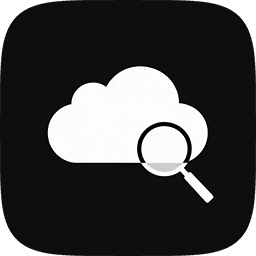
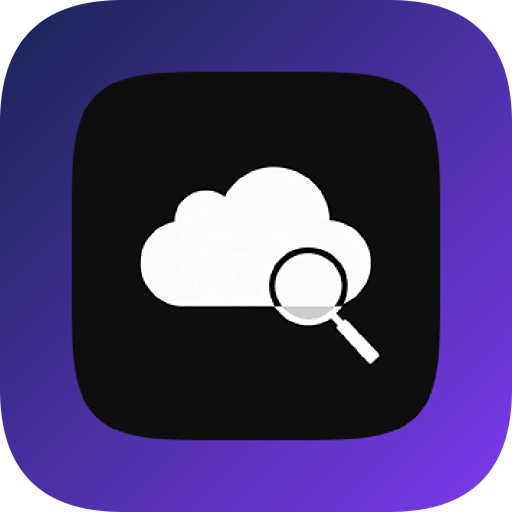

Example rendered from repository demo artwork with the icon renderer. Platform padding, masks and delivered resources depend on the selected preset.
How to use it
- Import artwork and create enough foreground padding.
- Select PWA and inspect the standard and maskable outputs.
- Add the files to your manifest and test the installed PWA icon.
Standard and maskable are separate manifest entries
The PWA preset exports icon and maskable-icon files. Set purpose to any for regular icons and maskable for the intended maskable files. Keep the size and MIME type declarations consistent with the actual files. The manifest is configured in your application.
A filename does not guarantee mask safety
Keep essential artwork within the central safe circle of radius 40% of the canvas width and fill the background to the edges. Inspect maskable outputs with a mask preview tool. Merely labeling a tightly cropped logo maskable can still cut off the design.
Files and sizes in the current preset
This list reads the application preset. Exporters add project companion files; size selection affects the final archive. Extract container files from the downloaded ZIP.
View 11 image outputs
| File | Size |
|---|---|
| icon-48x48.png | 48 × 48 |
| icon-72x72.png | 72 × 72 |
| icon-96x96.png | 96 × 96 |
| icon-128x128.png | 128 × 128 |
| icon-144x144.png | 144 × 144 |
| icon-152x152.png | 152 × 152 |
| icon-192x192.png | 192 × 192 |
| icon-384x384.png | 384 × 384 |
| icon-512x512.png | 512 × 512 |
| maskable-icon-192x192.png | 192 × 192 |
| maskable-icon-512x512.png | 512 × 512 |
Questions before you start
Do I need to pay or sign in?
Ordinary image editing and export are free. AI requests require sign-in and credits; cloud sync and other account services depend on your plan.
Will this change my project automatically?
No. Preview and download the resources in the editor, then integrate them into your project. Keep a backup of existing icons and test the build.